
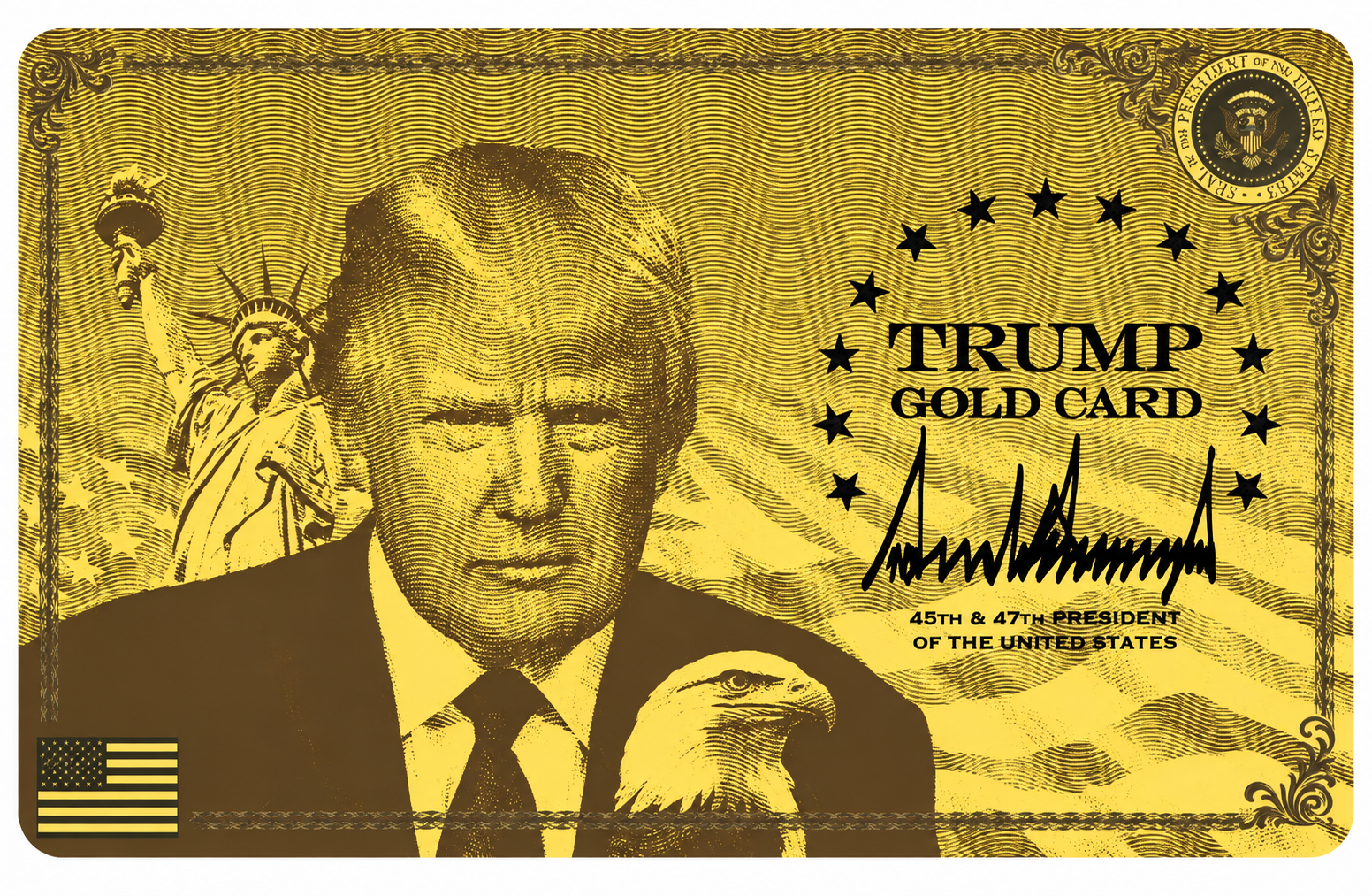
Trump
1552 × 1013 px · PNG
Find your next Apple Wallet look. Download an original skin, or make it your own with background adjustments, logos and text in AirCard Designer.
Create your own skinDownloads keep the original image size and format. Choose Customize to adjust the crop, preview on an iPhone and export a 1536 × 969 PNG for AirCard.
1552 × 1013 px · PNG

1536 × 969 px · PNG
1536 × 969 px · WebP
1536 × 969 px · PNG
640 × 404 px · PNG
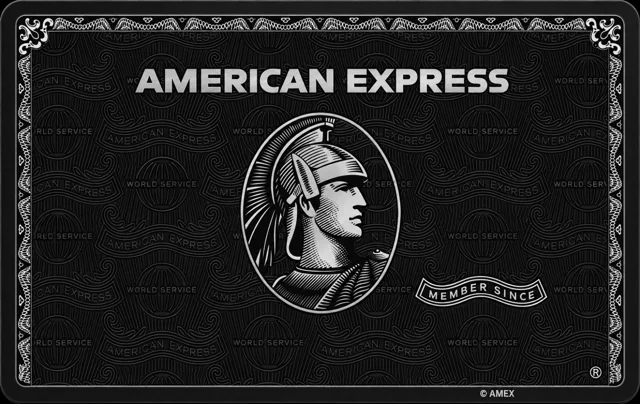
640 × 404 px · PNG
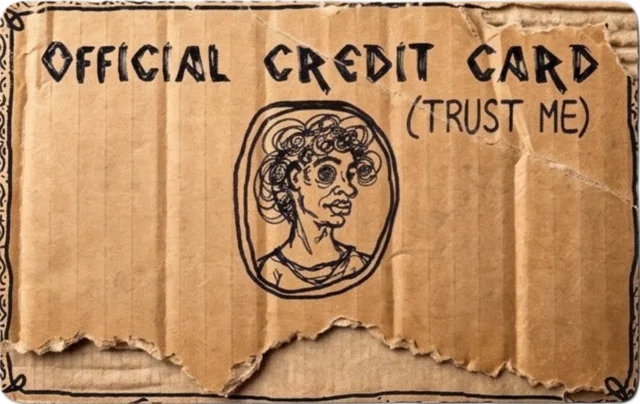
640 × 404 px · PNG
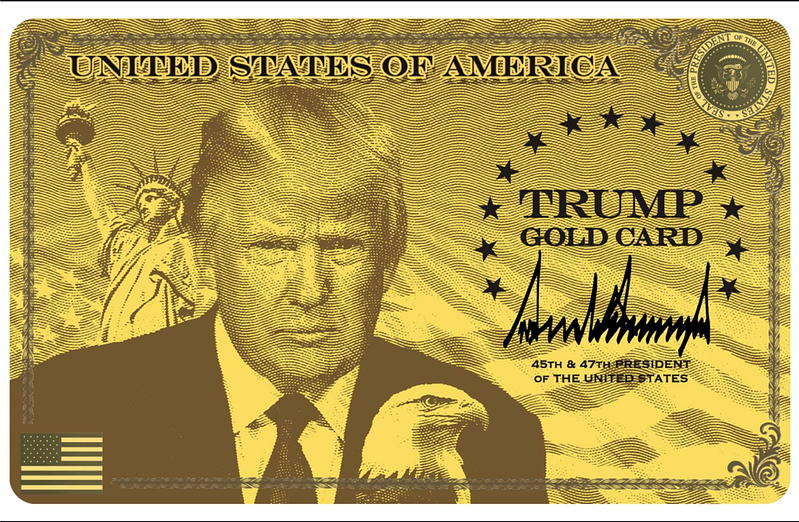
799 × 522 px · PNG
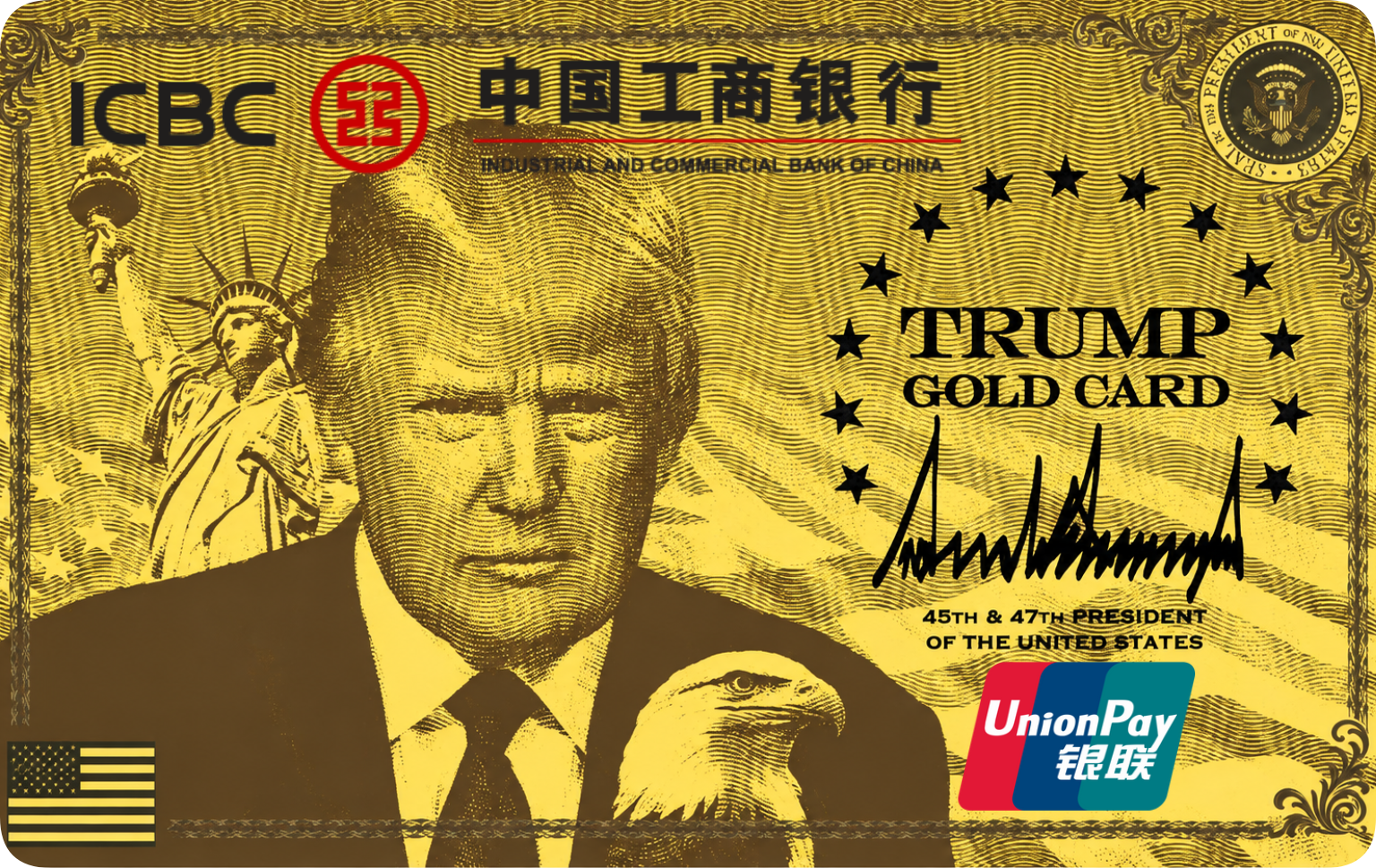
1536 × 969 px · PNG
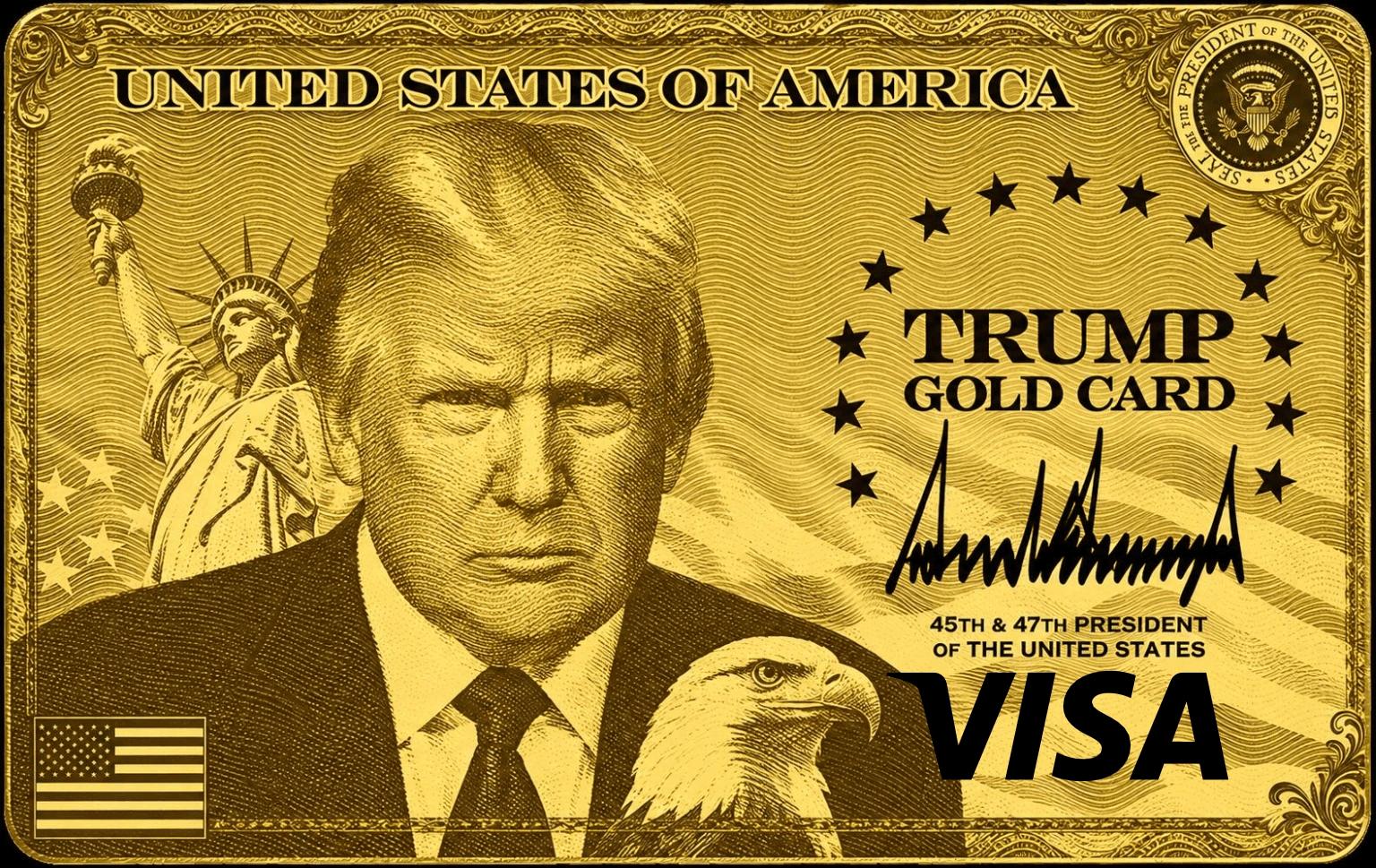
1536 × 969 px · PNG

1536 × 969 px · PNG

1536 × 969 px · PNG
1536 × 969 px · PNG
1536 × 969 px · PNG
1536 × 969 px · PNG

1536 × 969 px · PNG

1536 × 969 px · PNG

1536 × 969 px · PNG
1536 × 969 px · PNG
1536 × 969 px · PNG

1579 × 996 px · PNG
1579 × 996 px · PNG
Need help applying your skin? Follow the AirCard how-to-use guide or the Windows setup guide.
Artwork changes appearance only, not payment details or card capabilities. Brand names and artwork belong to their respective owners; inclusion does not imply endorsement or grant reuse rights. Only use artwork you have permission to use.